The Big Database 2025 Update: What Are Notion Data Sources and Why Do They Matter?
Learn how Notion’s 2025 “Data Sources” update revolutionizes database management. Discover how to organize multiple sources within one container, improve workspace structure, and prepare for future permission upgrades.
Dec 25, 2025
Notion has rolled out one of its most significant architectural updates, introducing the "Data Sources" feature.
In this blog, we explore:
The key differences between the legacy database model and the new "Data Sources" structure.
The real-world advantages for personal organization versus the critical risks for integrated, collaborative workflows.
How this foundational update is expected to evolve and what it signals for the future of Notion.
This introduction sets the stage for a comprehensive guide to Notion's new database architecture, addressing current capabilities, inherent limitations, and what to potentially expect in Notion's evolving ecosystem.
If your Notion workspace feels cluttered with separate databases for tasks, projects, meetings, and everything in between, you’re not alone. Managing disconnected sets of information has long been one of Notion’s biggest challenges.
That’s why Notion’s latest update is such a breakthrough. The new Data Sources feature fundamentally changes how databases work, introducing a unified way to manage and reuse data across your workspace. Instead of scattered databases, you now have a single source of truth that connects seamlessly wherever you need it.
This isn’t just another minor update, it’s a structural shift that redefines how teams organize and collaborate in Notion. In this post, we’ll explore what Data Sources are, how they work, their key advantages (and limitations), and why this update marks the beginning of a more powerful, interconnected Notion experience.
The Old Way: How Notion Databases Worked Before
Before this update, every Notion database was essentially a self-contained block, both the container that held your information and the data source itself. When you created a database, say “My Tasks,” everything, the table, its properties, and all the individual pages within it, existed as one unified entity.
In practice, this meant one database equaled one set of properties. If you had separate needs, like tracking tasks with “Due Date” and “Status,” and managing projects with “Timeline” and “Owner”, you had to create entirely different databases for each. There was no way to combine or reuse data between them without duplication.
To get around this, users relied on Linked Views of Databases. You could pull in data from multiple databases onto one dashboard, but each required its own linked view block. Over time, this made pages cluttered and harder to maintain, especially when scaling up to multiple teams or use cases.
In short, Notion’s old database model worked well for small setups, but it became rigid and fragmented as workspaces grew. That’s exactly what the new Data Sources system aims to solve.
The “New Way”: Introducing Database “Data Sources”
Core Concept:
In the new Notion structure, a Database is no longer the actual collection of data itself , it’s now a container that can hold one or more Data Sources. This shift allows you to organize multiple related databases under one unified block while maintaining their individuality.
What is a Data Source?
A Data Source represents the actual set of pages, along with their unique properties, views, and filters, essentially what we used to think of as a database in the old Notion system. Each data source can have its own schema, relationships, and filtering logic.
For example:
Your Tasks (with properties like “Status,” “Due Date,” and “Assignee”) form one data source.
Your Projects (with properties like “Client,” “Stage,” and “Priority”) form another.
Each data source remains fully independent, but they can now coexist neatly within a shared container.
How It Works Now:
You can create a single database container, say, “My Company HQ” , that acts as the central hub for all related data sources. Within this container, you can add multiple tabs, each pointing to a distinct data source.
For instance, one tab might show your Tasks, another your Projects, and a third your Meetings, all housed within the same database block. Each tab has its own layout, filters, and properties but remains part of one cohesive system.
This new structure eliminates the clutter of managing multiple separate databases scattered across your workspace. It makes navigation cleaner, encourages cross-linking between data sources, and sets the stage for more advanced relationships and automations in the future.
The Real Advantages: Why This Update Matters
The new Data Sources feature isn’t just a structural change, it fundamentally improves how you organize and interact with your workspace. Here’s why it’s a big deal:
Massive Workspace Consolidation
This is the single biggest upgrade. Instead of having a cluttered sidebar filled with multiple standalone databases, you can now bring everything under one master container.
For example, a “Marketing Hub” can house separate data sources for Content Calendar, Ad Campaigns, Notes, and Analytics, all in one place.
The result? A cleaner workspace and faster navigation without losing data separation or structure.
Smarter Organization for Complex Systems
Perfect for teams or individuals managing multiple but related datasets.
You can group distinct data types under one logical structure, for example, a “Personal Dashboard” container could include Habit Tracker, Journal, and Reading List as separate data sources.
This helps you keep related areas together while maintaining their own properties, templates, and workflows.
Unprecedented Flexibility
You can now move or reassign data sources between containers with ease.
This means you can restructure your workspace anytime, merging, splitting, or reorganizing systems, without breaking linked relations or losing data.
It’s especially useful for scaling teams or evolving projects that demand frequent structural changes.
“Linked Views” Are Now Tabs
The familiar Linked View of Database feature still exists, but you no longer need to rely on it for every dashboard.
Now, you can simply add any data source as a tab within a container, making your dashboards visually cleaner and far easier to navigate.
This reduces redundancy and brings a more modular, app-like experience to your Notion pages.
The Drawbacks & Limitations
It Can Be Confusing: For many users, the "old way" was simpler. The benefit isn't immediately obvious, and it can feel like an unnecessary layer of complexity if you don't need it.
The "One View, One Source" Limit STILL Exists: This is a common point of confusion. You cannot create a single table or board that pulls in and displays pages from both your "Tasks" and "Projects" data sources at the same time. You still need to use Relations to link them.
Potential for Clutter: If you put 10 data sources in one container, managing all the different views for all 10 sources in one menu can become very messy.
CRITICAL: It Can Break Your Integrations (e.g., NotionApps, Make/Zapier).
This is the most important drawback. This update required a major change to Notion's API.
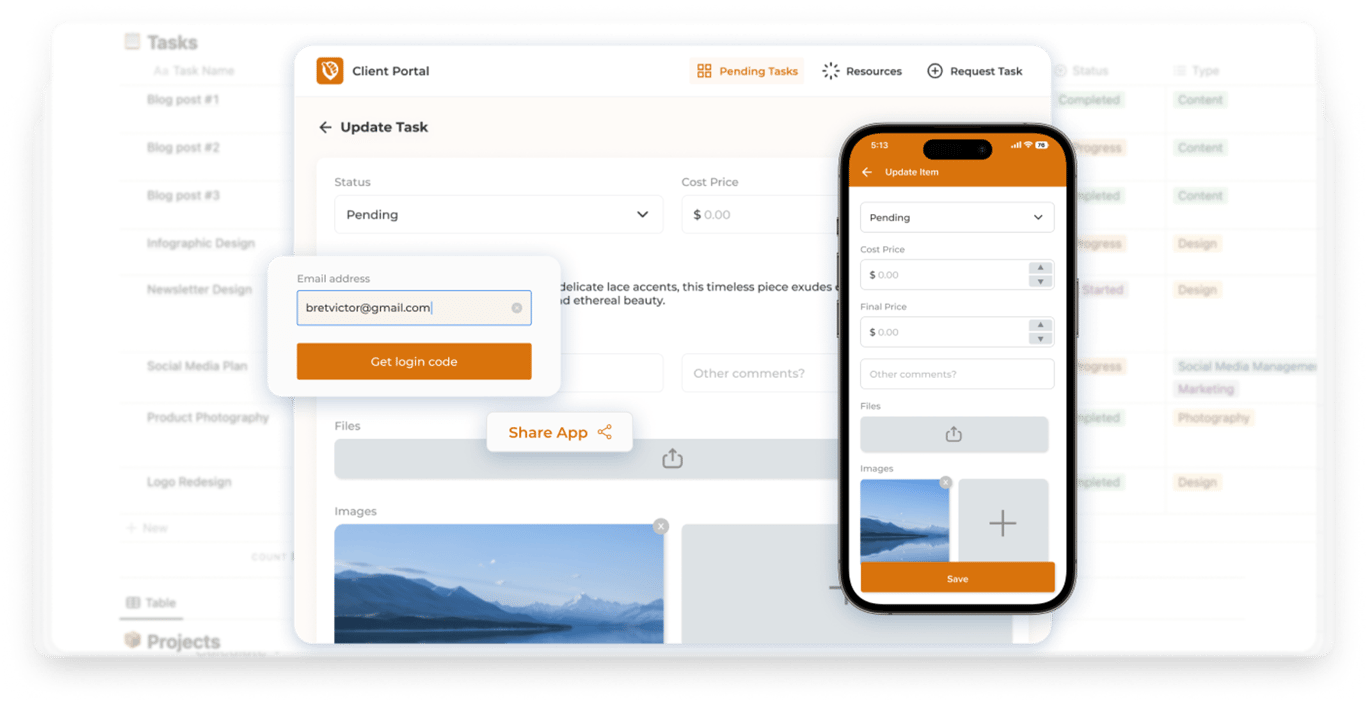
If you use a tool that connects to your Notion database, you must check if they support the new "Data Sources" feature . Update: NotionApps now supports this, so you can use Data Sources without any extra setup.
If you add a second data source to a database that an old integration is using, that integration will stop working.
The Future: What Is This Really For?
This update isn’t just about tidier organization, it’s a strategic shift in how Notion handles data at its core.
A “Stepping Stone” Update
Many in the Notion community see this as a foundational move rather than a final feature. By separating the container (the visual database block) from the data (the actual pages and properties), Notion is clearly preparing the groundwork for more advanced capabilities.
The Likely Goal: Granular Permissions
The biggest benefit of this structural overhaul will likely come in the form of granular access control. With data sources existing independently, Notion can now offer far more refined sharing and permission settings than before.
The Future Vision
You share only the “Tasks” data source with your team while keeping the “Projects” and “Meetings” data sources in the same container private.
You give one colleague edit access to “Projects” but view-only access to “Analytics.”
You maintain personal data sources side-by-side with team-shared ones — without creating duplicate databases or cluttered sidebars.
This level of flexibility wasn’t possible under the old system, where every database was both a container and a data source rolled into one. The Data Sources update effectively untangles that structure, making Notion ready for a future where database-level permissions, cross-source automations, and even multi-database relationships could become the norm.
What are Other Users Saying?
Across Reddit discussions, many users express cautious optimism about the Data Sources update. Some are excited about the promise of “multiple data sources under a single database” and see it as “the biggest update ever in the history of Notion.”
At the same time, others point out that while the architecture looks promising, the actual rollout still doesn’t fully deliver features that would allow truly independent data sources or fully flexible view, “it just means you can mix source databases into different views in the same linked database block, you still can’t view different data sources within a single database view.”
Many also caution users of existing integrations (APIs, automation tools) to hold off until compatibility improves
Conclusion: Should You Use It?
For New Workspaces:
Absolutely, dive in. If you’re setting up a fresh Notion workspace, it’s best to start with the Data Sources model from day one. This new structure isn’t just an experimental feature, it’s clearly the direction Notion is heading. Building around it now will save you major restructuring later.
For Existing Workspaces (Especially with Integrations):
Proceed with caution. If your setup relies on connected apps like NotionApps, Make, or Zapier, hold off on restructuring existing databases for now. Many integrations are still catching up to the new Data Sources model, and adding multiple data sources to older databases could break automations or synced workflows. Always verify compatibility before making changes.
Final Thought:
The introduction of Data Sources marks one of the most important architectural shifts in Notion’s history. It’s a change that prioritizes long-term scalability over short-term simplicity, setting the stage for features like granular permissions, cross-database automation, and modular data organization. It’s the kind of quiet but powerful update that will redefine how teams, and power users, build in Notion for years to come.